
13 October 2026 / 2 min read
FoxLeague Now Speaks the Language of AI
FoxLeague now speaks the language of AI. Connect it to Claude, ChatGPT, VS Code or any MCP client with a single link, then ask about the game in plain language: your AI checks live FoxLeague data and answers in seconds.
Ask the game anything
Who tops the leaderboard? Which tournaments are open right now? What is the cheapest card up for auction? These are the questions a coach asks every day. Now your AI assistant answers them for you, from the game itself rather than from memory.
Twelve tools behind one link
The connection gives your AI 12 tools covering tournaments, 1v1 challenges, tournament start times, managers, teams, cards, the marketplace and the game rules. It picks the ones a question needs on its own, so you ask the way you would ask a friend who follows the league.
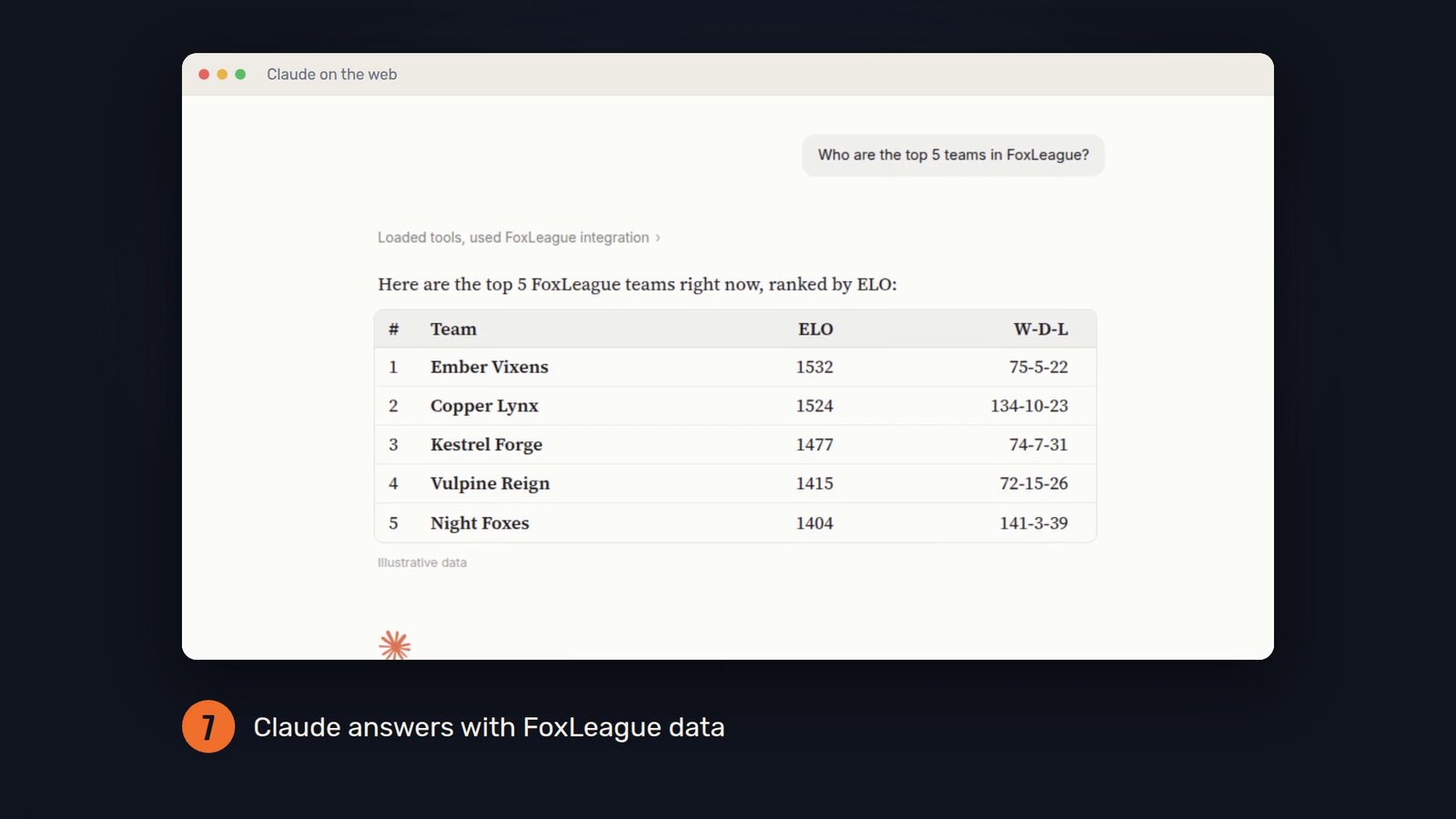
In the setup video, Claude is asked for the top five teams in FoxLeague and answers with a table ranked by ELO. The figures in the video are illustrative.
Public and read-only
The connection only reads public game data, so there is nothing to sign in to. Your AI can explore the game, but it cannot make payments, join tournaments or put cards up for sale.
Connected in two minutes
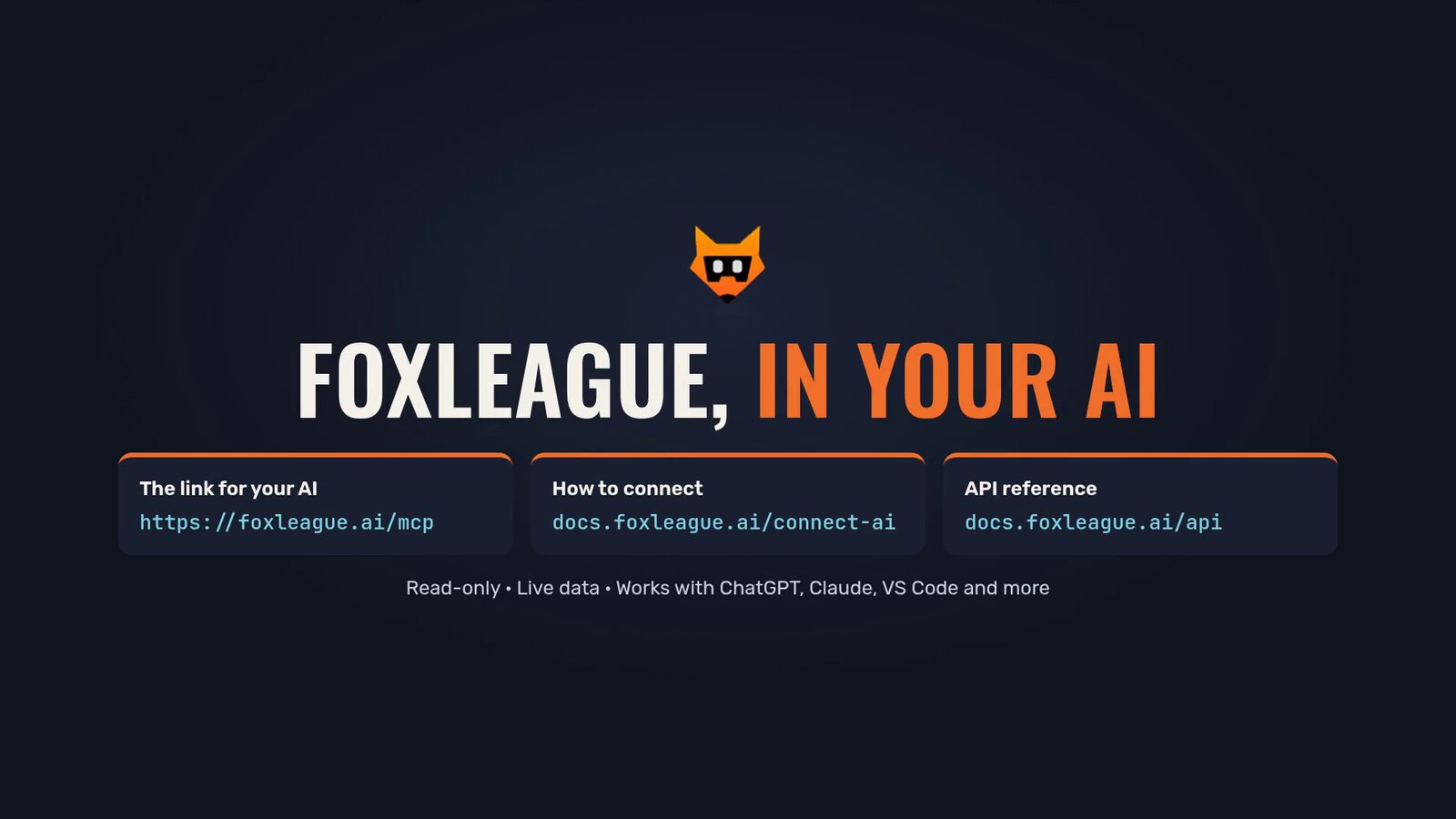
The address to paste into your AI client is https://foxleague.ai/mcp. It is a connection point for AI assistants, not a web page.
- In ChatGPT, turn on Developer mode, add a custom MCP server with that address and no authentication, then pick FoxLeague from the + menu in a new chat
- In Claude, add a custom connector named FoxLeague with the same address, allow it once, then ask
- VS Code and other MCP clients take the same address
The step by step guide is at docs.foxleague.ai/connect-ai. Developers who want the details of every tool will find them in the API reference.
Your AI is now your FoxLeague scout. Ask away, then take what you learn onto the pitch at foxleague.ai.